Auto-miner addon
Addons / Addons for 1.21.81 22.12.24 0
Automate your mining operations in Minecraft with the Auto-miner add-on. Eliminate tedious manual mining by delegating resource collection to automated drills that work tirelessly, even while you're offline.
Credits: Don The Dev
Artisan Table is where all of the items from the addon can be crafted.
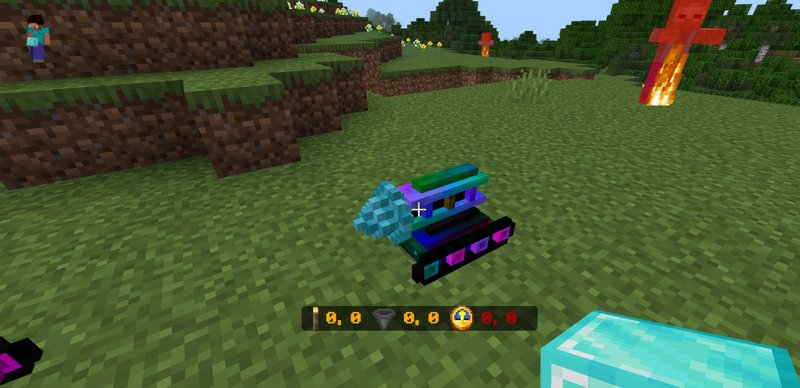
Upgrade drill speed by interacting with them while holding Iron, Gold, Diamond, or Netherite blocks. Activate a drill by simply interacting with it; change its mining direction by crouching and interacting.
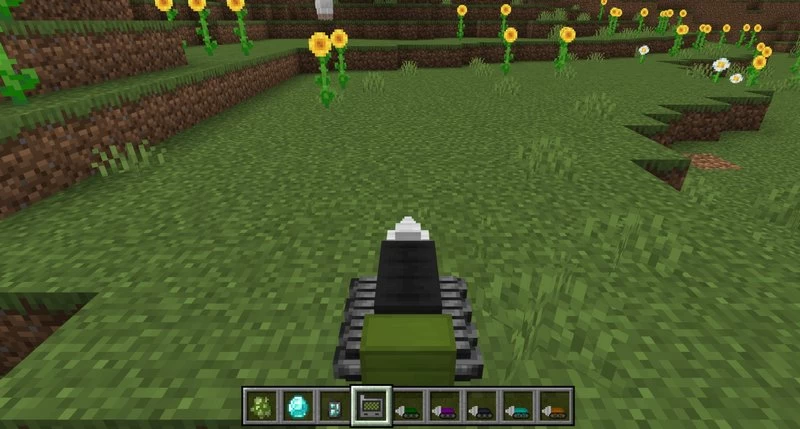
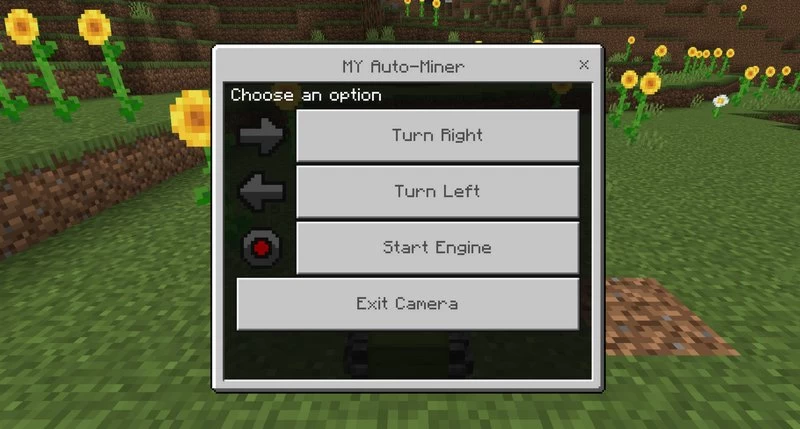
Interact with a drill, and it will start to do the work. You can change the direction it's going by Crouching and interacting with the drill. And using the Auto-miner manager you can control the drill yourself.
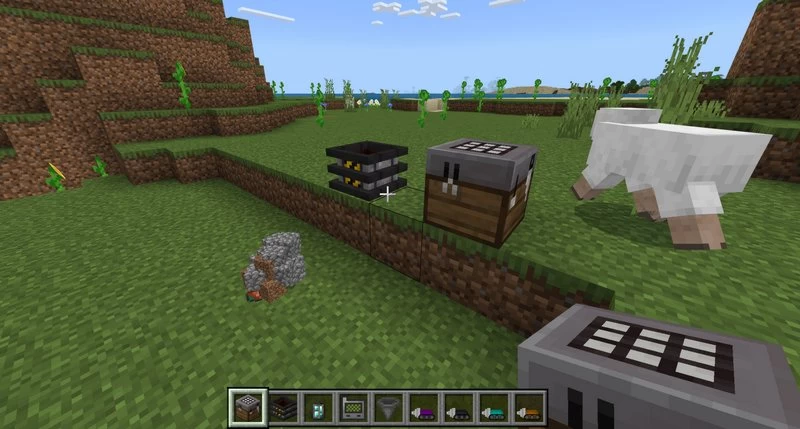
Set up item pumps to automatically collect mined resources from active drills. Activate a pump by interacting with it; retrieve all connected drills by crouching and interacting. Access the pump's menu by crouching and tapping to register the drills.
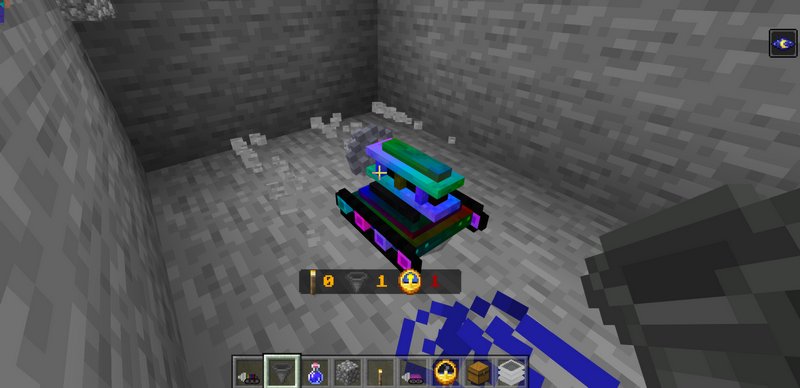
The Item Pump only collects resources from drills equipped with Hoppers. You can also equip drills with torches for shaft illumination and clocks to enable mining even outside the player's loaded chunks.
Credits: Don The Dev
How to craft the Drills?
Artisan Table is where all of the items from the addon can be crafted.
Upgrade drill speed by interacting with them while holding Iron, Gold, Diamond, or Netherite blocks. Activate a drill by simply interacting with it; change its mining direction by crouching and interacting.
Interact with a drill, and it will start to do the work. You can change the direction it's going by Crouching and interacting with the drill. And using the Auto-miner manager you can control the drill yourself.
Set up item pumps to automatically collect mined resources from active drills. Activate a pump by interacting with it; retrieve all connected drills by crouching and interacting. Access the pump's menu by crouching and tapping to register the drills.
The Item Pump only collects resources from drills equipped with Hoppers. You can also equip drills with torches for shaft illumination and clocks to enable mining even outside the player's loaded chunks.

Comments (0)
New comments
Minecraft Pro31 May 2026 17:23
download minecraft/edu then install it and go to file and press "open
To comment