MeoWhy Furniture addon
Addons / Addons for 1.21.81 / 1.20.62 1.04.24 0
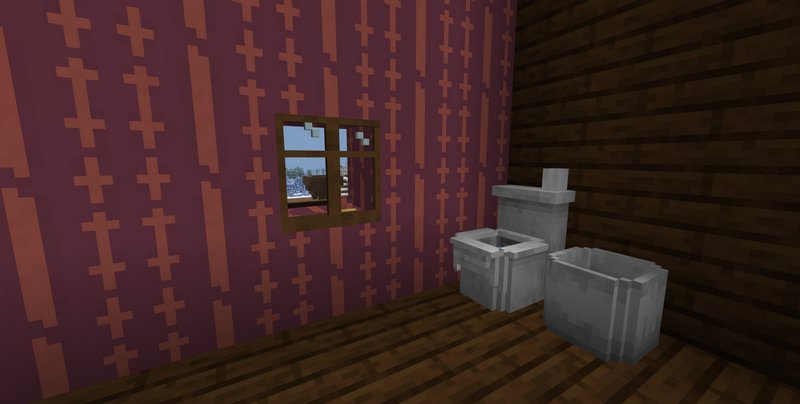
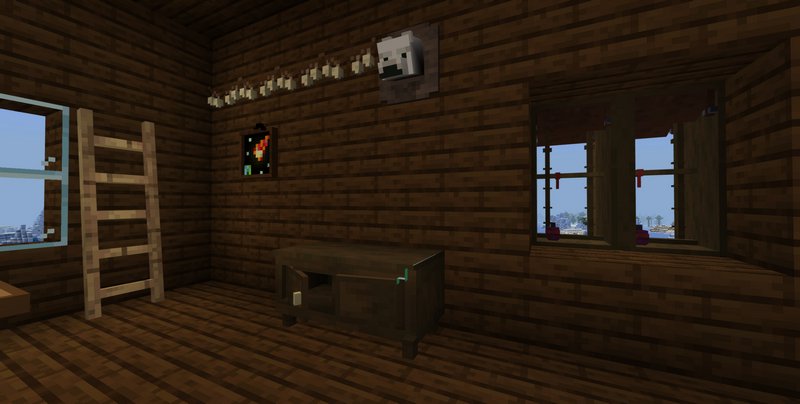
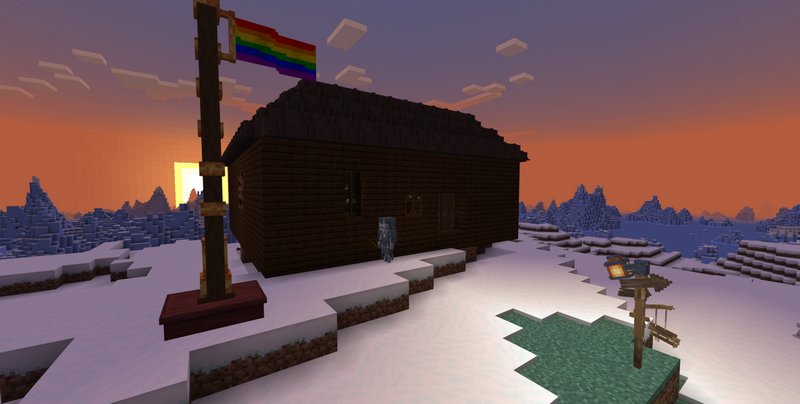
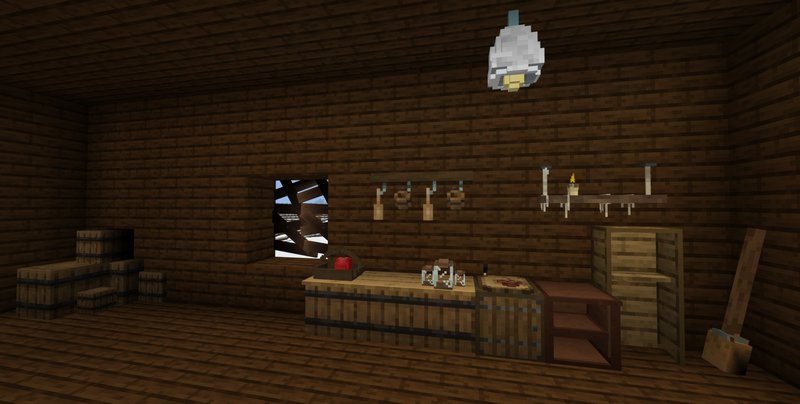
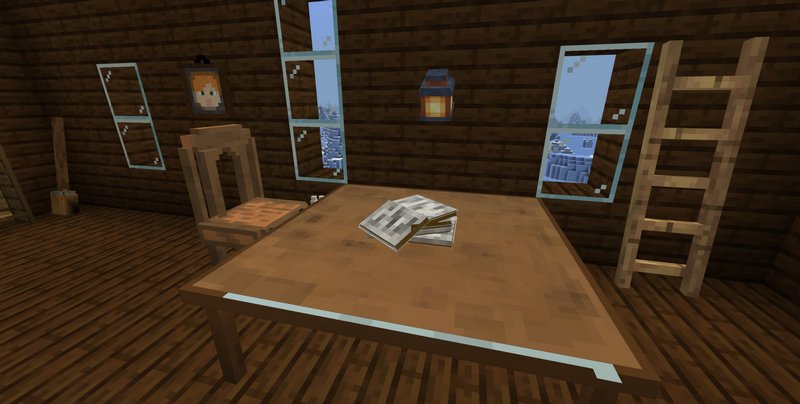
MeoWhy furniture opens up new ways to decorate your country house in Minecraft. We've been getting many furniture mods focusing on the decoration of modern homes. But let's say we wanted to decorate a lonely cabin sitting somewhere in the woods. Other addons simply can't offer enough furniture to deal with the matter.
Credits: MeoWhenn
What type of items are packed in this addon
How to install addons:
Credits: MeoWhenn
What type of items are packed in this addon
- Windows
- Cabinets
- Statues
- Paintings
- Flags
- Fences
- Roof
How to install addons:
- Download the addon straight from your device
- Find and open the .mcpack or .mcworld files that you download earlier
- Click on it to start importing into Minecraft Pocket Edition
- Open the game
- Create a new world or edit an existing world
- Scroll down to the Add-ons section and select the ones you want to apply
- Make sure to enable "Experimental" game features in the world settings
- Geometry Fixer is required
You may also like
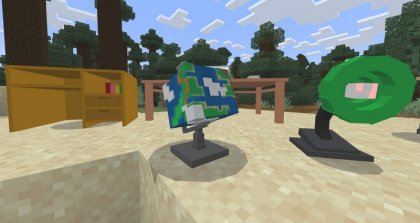
The School Furniture add-on provides several items to decorate schools in Minecraft PE....
MoreComments (0)
New comments
Minecraft Pro31 May 2026 17:23
download minecraft/edu then install it and go to file and press "open
To comment