Realism addon
Addons / 1.20.62 30.06.22 0
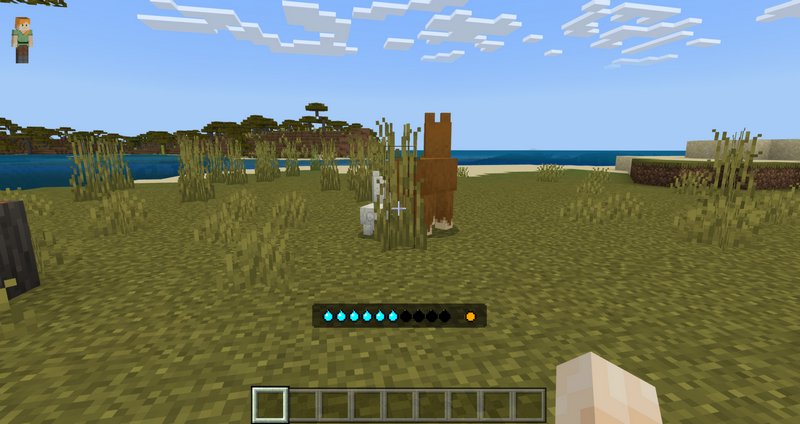
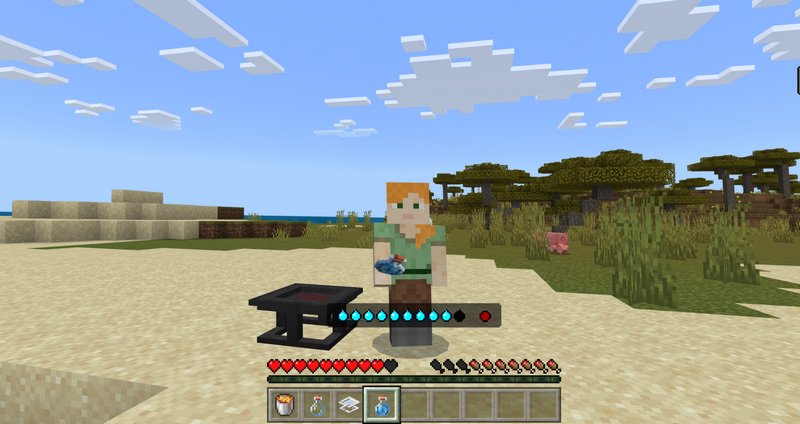
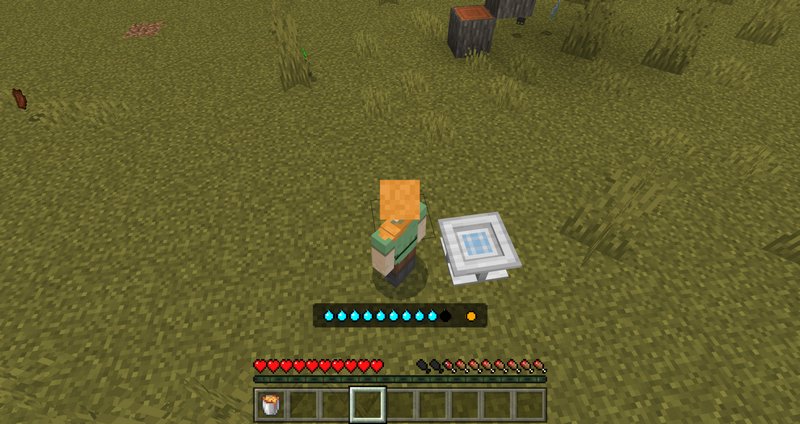
Realism addon adds two new survival metrics for your character in Minecraft: a thirst bar and heat meter. Just like hunger, the thirst bar requires regular refilling, which can be accomplished by drinking a Bottle of water or simply plunging into the water.
The heat meter, on the other hand, changes dynamically and depends on the blocks your character interacts with. There are types of blocks that increase heat when you stand on them, and there are chilling blocks. Also, both extremes will have tragic consequences for your character's well-being. To deal with temperature extremes, we have Cooler and Heater blocks that will balance out the temp.
Credits: Vatonage
Heating Blocks
Cooling Blocks
Water
Ice
Packed Ice
Blue Ice
Stone
End Stone
Snow
Grass
High altitudes
How to install addons:
The heat meter, on the other hand, changes dynamically and depends on the blocks your character interacts with. There are types of blocks that increase heat when you stand on them, and there are chilling blocks. Also, both extremes will have tragic consequences for your character's well-being. To deal with temperature extremes, we have Cooler and Heater blocks that will balance out the temp.
Credits: Vatonage
Heating Blocks
- Sand
- Sandstone
- Soul Sand
- Magma
- Obsidian
- Gravel
- Red Sand
- Red Sandstone
- Netherrack
- Quartz Ore
- Lava
- Low altitudes
Cooling Blocks
How to install addons:
- Download addon straight from your device
- Find and open .mcpack or .mcworld files that you download earlier
- Click on it to start importing into Minecraft Pocket Edition
- Open the game
- Create a new world or edit an existing world
- Scroll down to the Add-ons section and select the ones you want to apply
- Make sure to enable all "Experimental gameplay" features in Settings
You may also like
Survive a new challenge in Minecraft PE 1.21.73 with the Thirst Bar add-on, which introduces a realistic...
More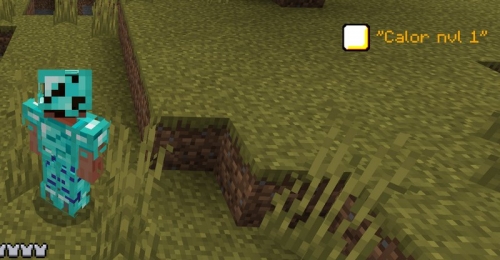
Temperatures addon is a completely logical evolution of Minecraft's survival system....
MoreComments (0)
New comments
Minecraft Pro31 May 2026 17:23
download minecraft/edu then install it and go to file and press "open
To comment