Loot Bags addon
Addons / Addons for 1.21.81 / 1.20.62 2.05.24 0
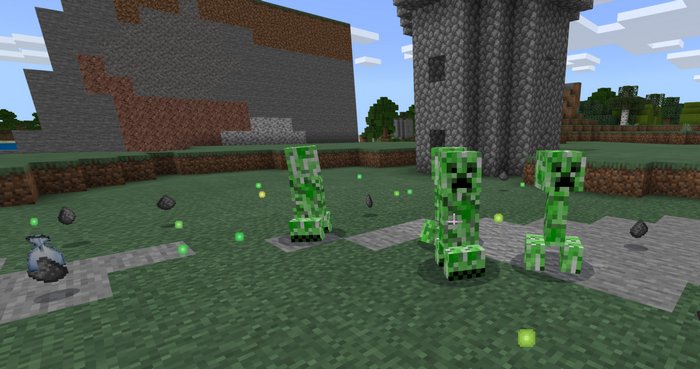
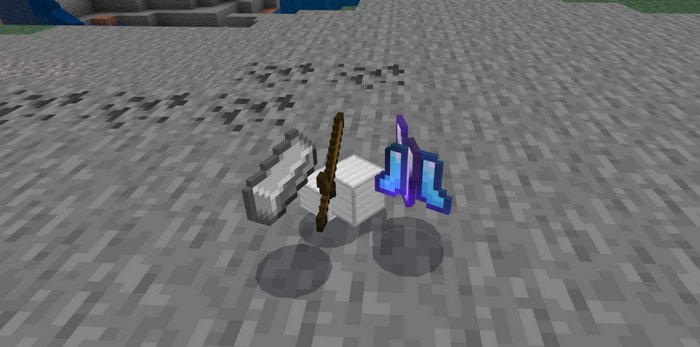
This addon introduces Loot Bags as an occasional bonus drop from hostile mobs in Minecraft PE. These bags hold exciting loot, with the rarest pieces boasting incredible rewards. While the chance of acquiring a bag is low, especially for the most valuable ones, the thrill of discovery makes it worthwhile.
Imagine the unexpected surprise of finding a diamond armor piece or rare blocks hidden within a seemingly ordinary drop. This element of randomness injects thrilling RPG-like excitement into the gameplay, encouraging you to eagerly anticipate each encounter with hostile mobs.
Credits: Death_Aruban
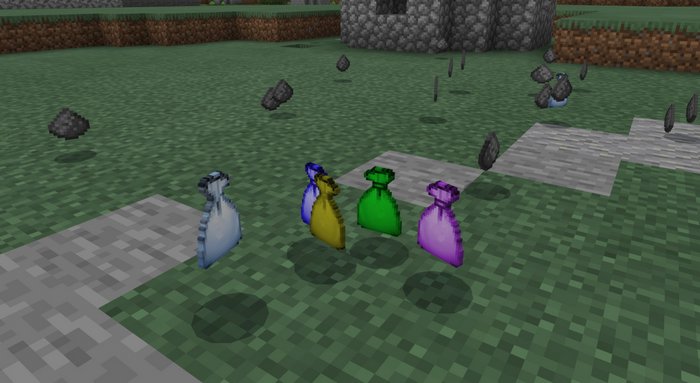
Loot Bags types:
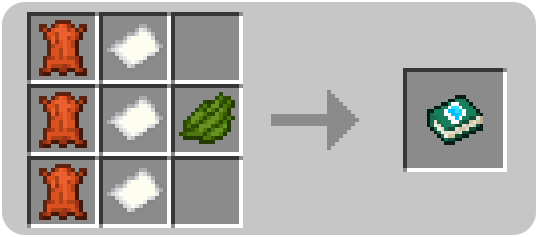
Craft a guidebook to get additional information about Loot bags and their contents in the game.
How to install addons:
Imagine the unexpected surprise of finding a diamond armor piece or rare blocks hidden within a seemingly ordinary drop. This element of randomness injects thrilling RPG-like excitement into the gameplay, encouraging you to eagerly anticipate each encounter with hostile mobs.
Credits: Death_Aruban
Loot Bags types:
- Common – Leather Gear
- Uncommon – Gold Gear
- Rare – Chain Gear
- Epic – Iron Gear
- Legendary – Diamond Gear
Craft a guidebook to get additional information about Loot bags and their contents in the game.
How to install addons:
- Download the addon to your device
- Find and open the .mcpack or .mcworld files that you download earlier
- Click on it to import it into Minecraft Pocket Edition
- Open the game
- Create new or edit an existing world
- Scroll down to the Add-ons section and select the ones you want to apply
- Make sure to enable "Experimental Gameplay"
You may also like

I was shocked by how unlucky I was while testing Lucky Block 'n Stuff — I must have died at least a few...
MoreComments (0)
New comments
Minecraft Pro31 May 2026 17:23
download minecraft/edu then install it and go to file and press "open
To comment