Trailer Graphics pack
Resource Packs 16.03.24 0
Did you ever notice that the graphics in the Minecraft trailers for updates are very different from the actual in-game visuals? With the Trailer Graphics pack, you can achieve the level of effects and details seen in the videos. Although not everything is perfect with this pack, as not every block has been changed, it does require a supplementary texture pack to be complete. Personally, I would recommend using Bare Bones textures for that purpose.
Credits: Ale Graphics
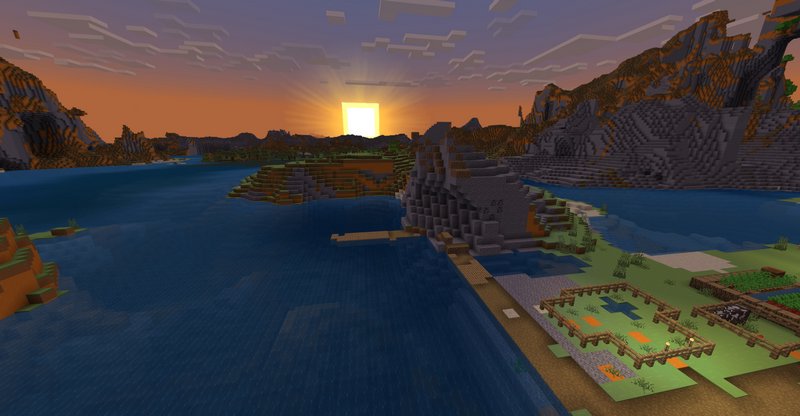
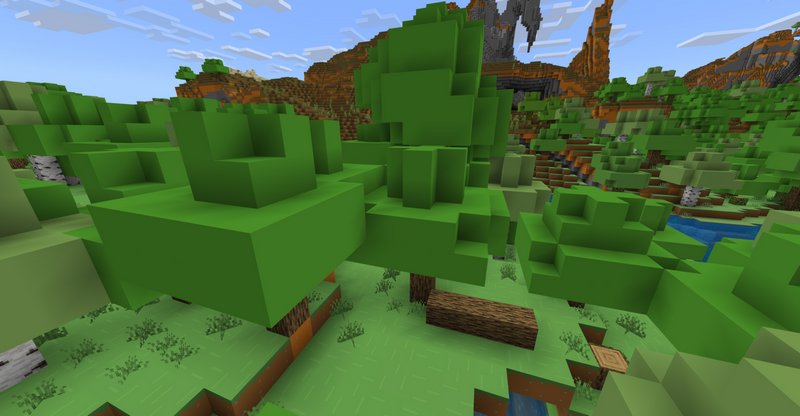
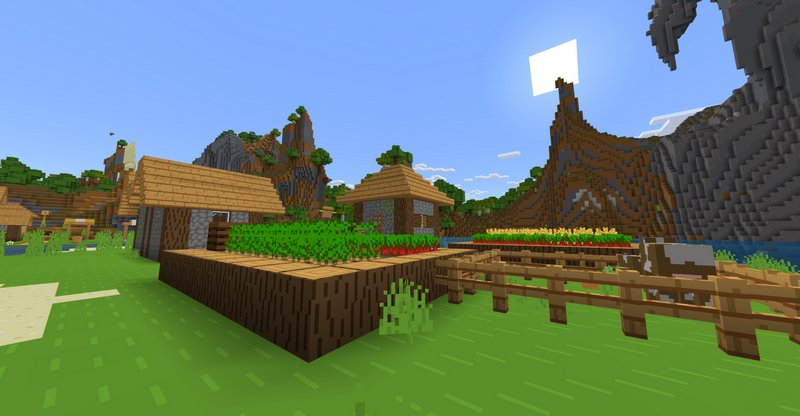
Credits: Ale Graphics
- New deferred rendering mode.
- Shadow effect on earth blocks.
- Modified textures to simulate a double-layer cloud effect.
- Beautiful and colorful setting, the closest thing to the Minecraft trailers.
- Colorful sky.
- Fog that blends with the sky.
- Blue and transparent water.
- Heavy fog in the rain.
- Fog in the nether and in the End.
- It does not affect the performance section.
You may also like

Transform your Minecraft world into a vibrant paper craft adventure with the Paper Cut-Out texture pack....
MoreComments (0)
New comments
Minecraft Pro31 May 2026 17:23
download minecraft/edu then install it and go to file and press "open
To comment