Super Mario texture pack
Resource Packs 3.12.22 0
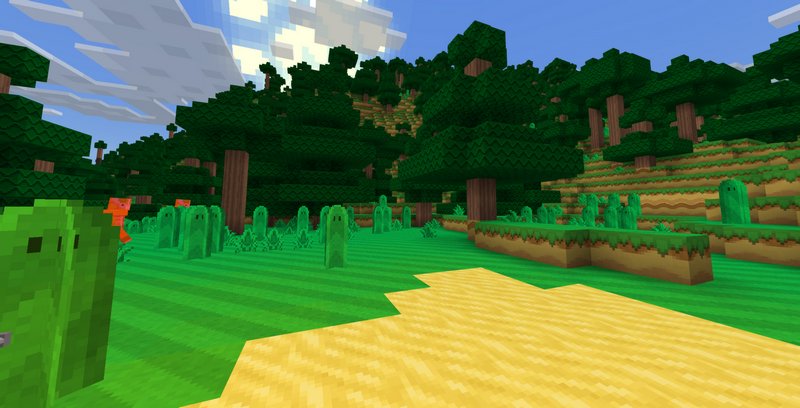
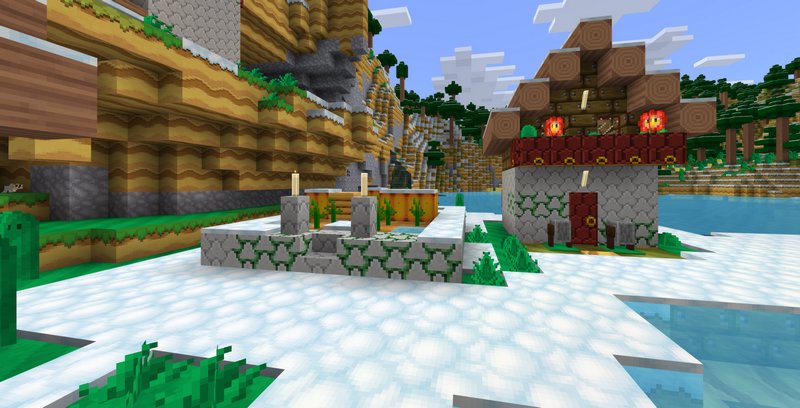
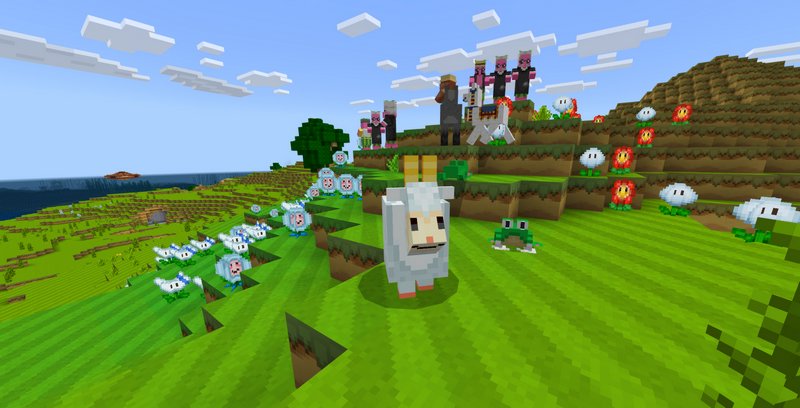
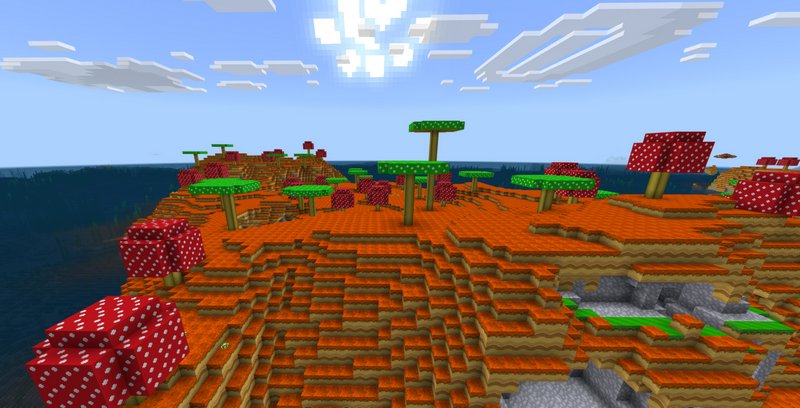
Transform the boring Minecraft world into the Mushroom kingdom from Super Mario using this texture pack. The texture pack will be useful for map makers and confusing for casual play. The confusion comes from the fact that some items look so different.
Aside from that little flaw, the texture pack is amazing. Everything looks just like in Super Mario games. There are even a magic mushroom and a block with a question mark. The Nether getting an upgrade, too, you may as well meet some of Mario's iconic enemies.
Credits: SG-Bird
How to install:
Aside from that little flaw, the texture pack is amazing. Everything looks just like in Super Mario games. There are even a magic mushroom and a block with a question mark. The Nether getting an upgrade, too, you may as well meet some of Mario's iconic enemies.
Credits: SG-Bird
How to install:
- Download the .mcpack file below
- Open the file using any file manager to import it into Minecraft PE
- Open Minecraft Pocket Edition
- Create new or edit an existing world
- Scroll down to the Resource packs section and select the ones you want to apply
Comments (0)
New comments
Minecraft Pro31 May 2026 17:23
download minecraft/edu then install it and go to file and press "open
To comment