Utility UI addon
Addons / 1.20.62 19.06.23 0
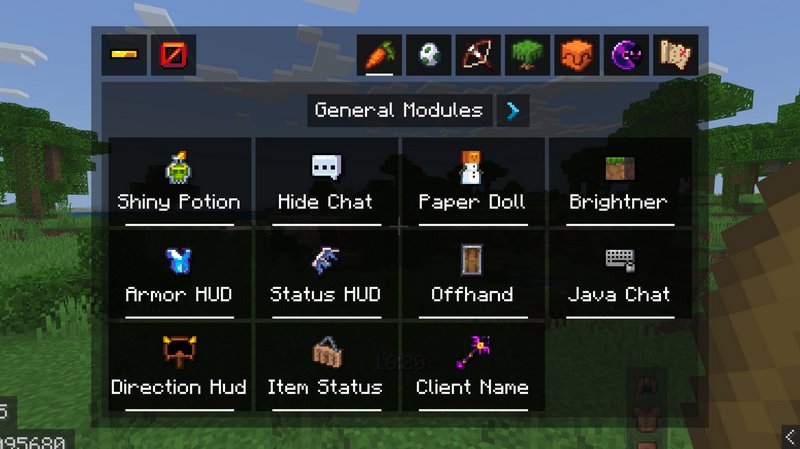
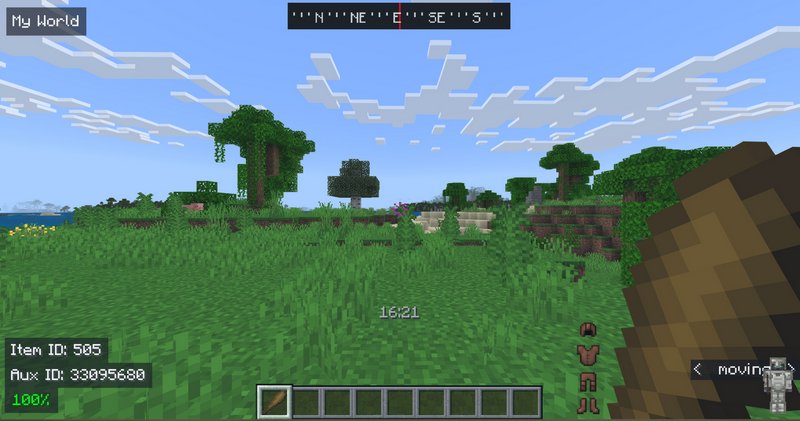
Customize your in-game interface deeply with the Utility UI addon for Minecraft PE. Change your crosshair type and color, choose the color scheme for the entire UI, and add tooltips on the screen. Think about anything you want to alter in the UI right now, and I assure you that you will be able to do it.
Credits: HJN
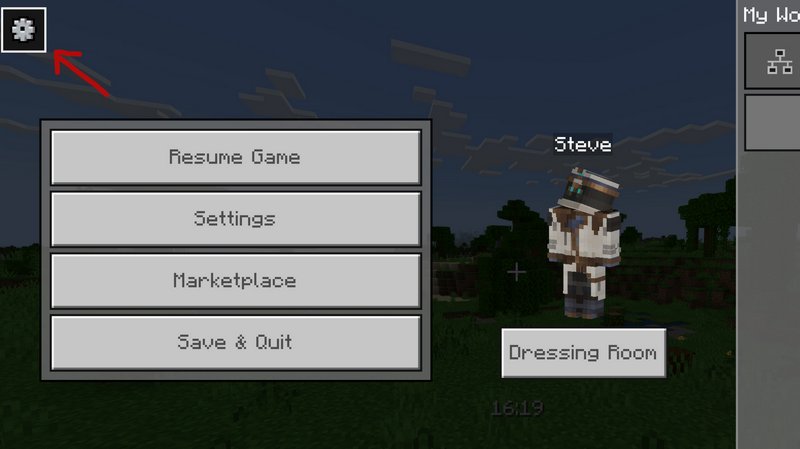
To move into Settings, go to the Pause screen, then press on the gears in the top left corner two times.
Credits: HJN
To move into Settings, go to the Pause screen, then press on the gears in the top left corner two times.
Comments (0)
New comments
Minecraft Pro31 May 2026 17:23
download minecraft/edu then install it and go to file and press "open
To comment