Zebra Shaders for Minecraft PE
Resource Packs 1.09.23 0
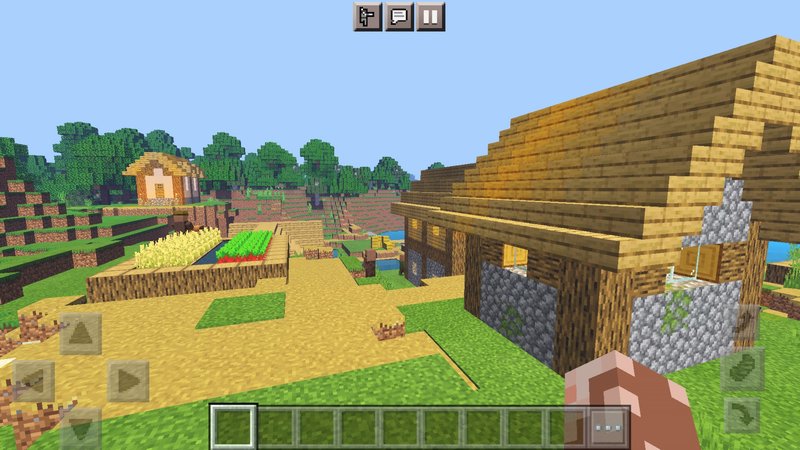
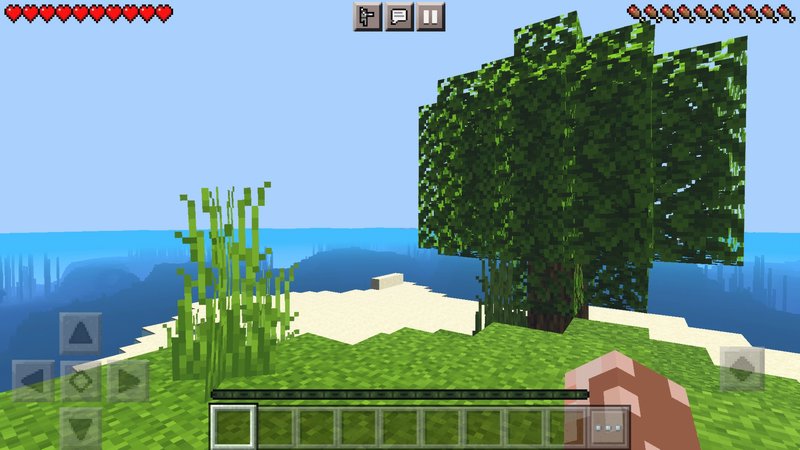
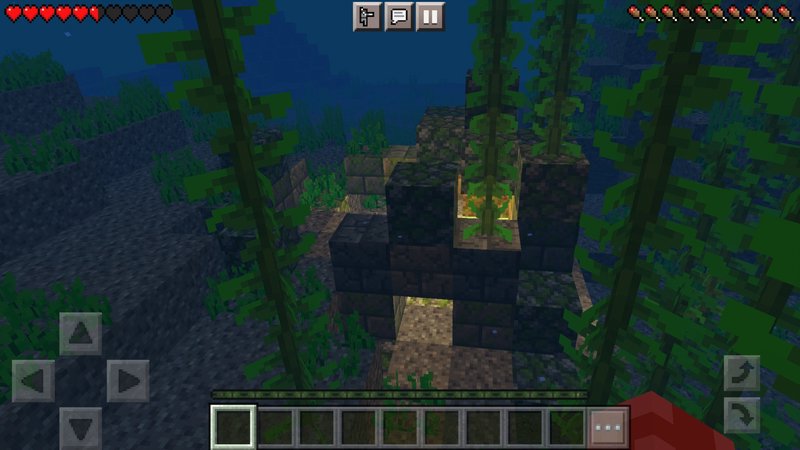
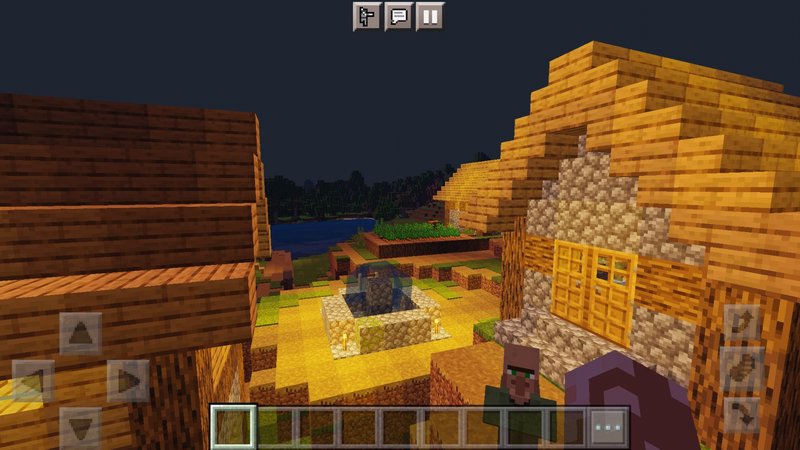
Zebra Shaders, as you expect, will improve graphic effects in your Minecraft PE. It should support an up-to-date game version, and devices run on Android and iOS. When I installed a shader, not many changes caught my eye - saturation of the image mostly. But then when you start walking around, start noticing things, new animations, better lighting, and weather effects. All of these small tweaks really add up, creating a difference.
Credits: Hyrazero
How to install:
Credits: Hyrazero
How to install:
- Download the .mcpack file below
- Open the file using any file manager to import it into Minecraft PE
- Open Minecraft Pocket Edition
- Create new or edit an existing world
- Scroll down to the Resource packs section and select the ones you want to apply
Comments (0)
New comments
Minecraft Pro31 May 2026 17:23
download minecraft/edu then install it and go to file and press "open
To comment