Plants vs Zombies addon
Addons / 1.20.62 8.11.23 0
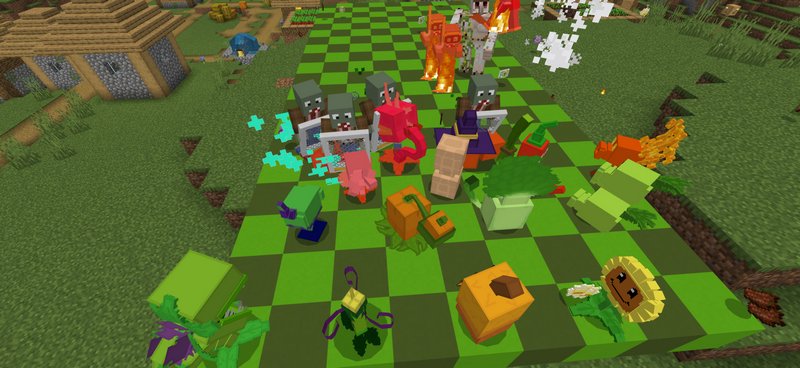
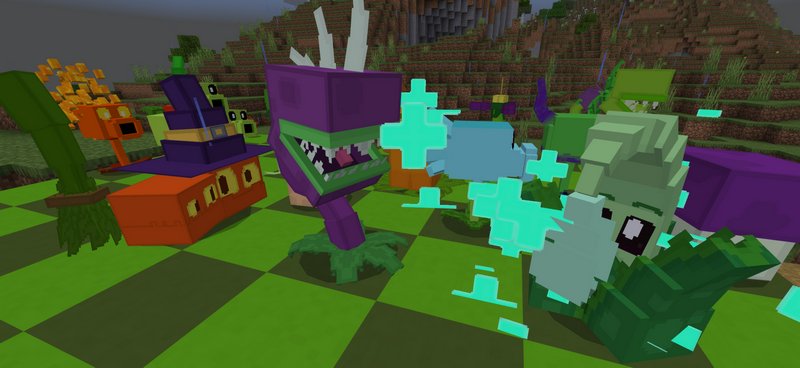
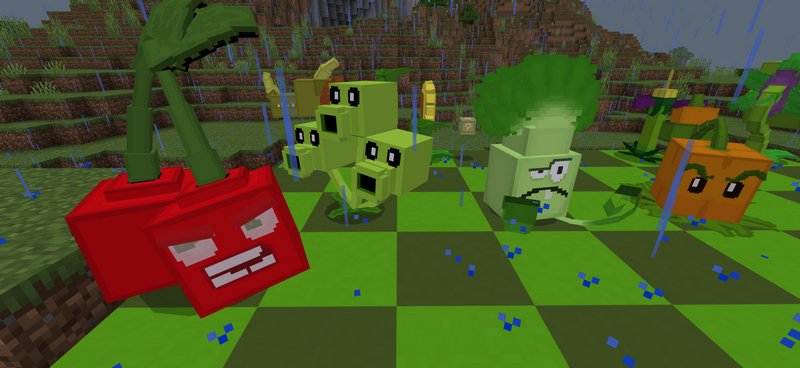
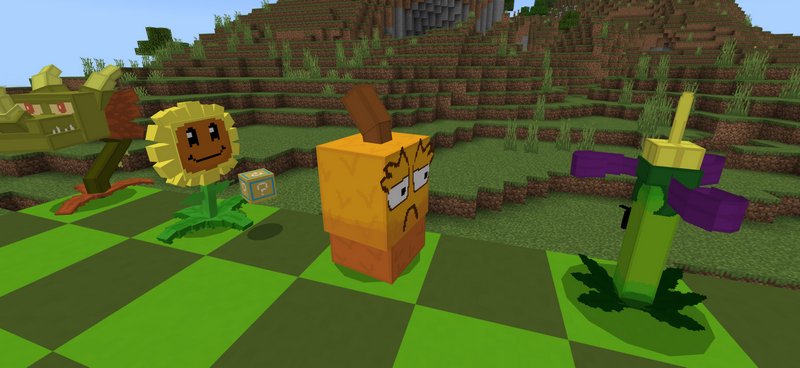
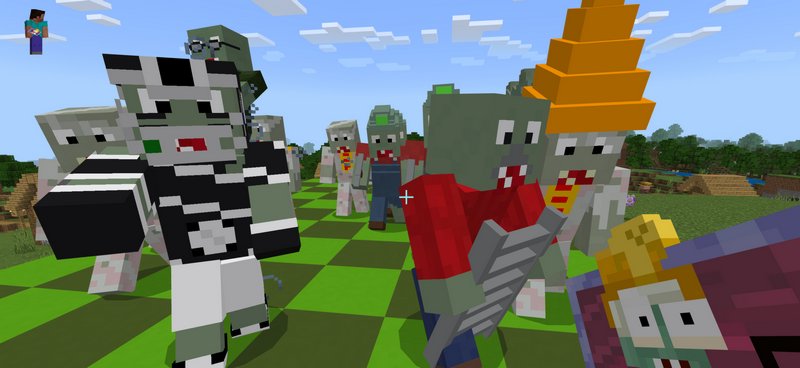
Plants vs Zombies is a fun game for mobile devices, and now you can play it in Minecraft PE. Each plant has a different skill that allows them to deal with zombies effectively, but its power will dramatically increase if you combine them. The best way of playing this addon is versus another player. One can take zombies, the other can take plants to fight on the battlefield in a manner similar to Clash Royale.
The game takes place on a rectangular battlefield, where plants get put row by row to form a line of defense. After that, zombies start to spawn in waves and attack those lines.
Credits: LiL Studios
Main features:
Video:
How to install addons:
The game takes place on a rectangular battlefield, where plants get put row by row to form a line of defense. After that, zombies start to spawn in waves and attack those lines.
Credits: LiL Studios
Main features:
- 26 unique plants from the original games.
- 22 new types of zombies.
- Plants and zombies can be acquired from the Creative inventory.
Video:
How to install addons:
- Download the addon into your device
- Find and open the .mcpack or .mcworld files that you download earlier
- Click on it to start importing into Minecraft Pocket Edition
- Open the game
- Create new or edit an existing world
- Scroll down to the Add-ons section and select the ones you want to apply
You may also like
The Defensive Turrets addon will help you organize a reliable security system around your house in Minecraft...
MoreComments (0)
New comments
Minecraft Pro31 May 2026 17:23
download minecraft/edu then install it and go to file and press "open
To comment